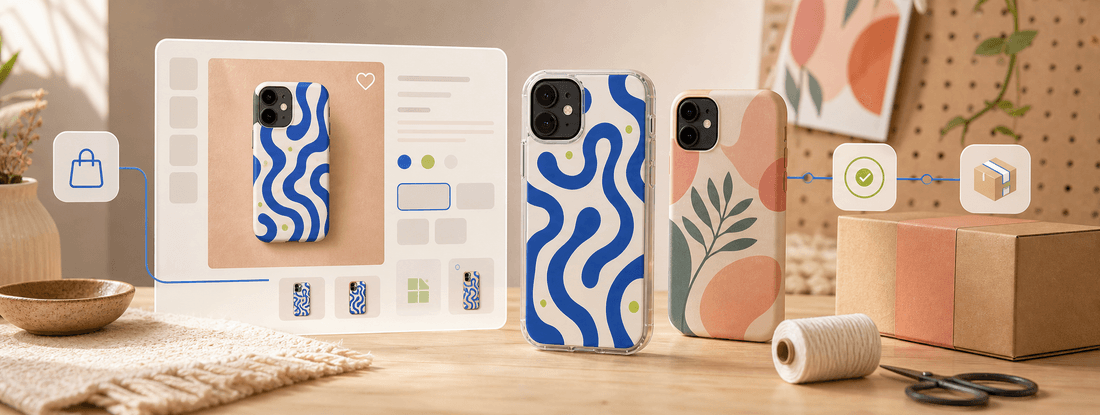
How To Sell Print-on-Demand Phone Cases On Shopify
Learn how to sell print-on-demand phone cases on Shopify, from choosing products and preparing artwork to setting prices, shipping expectations, and fulfillment.
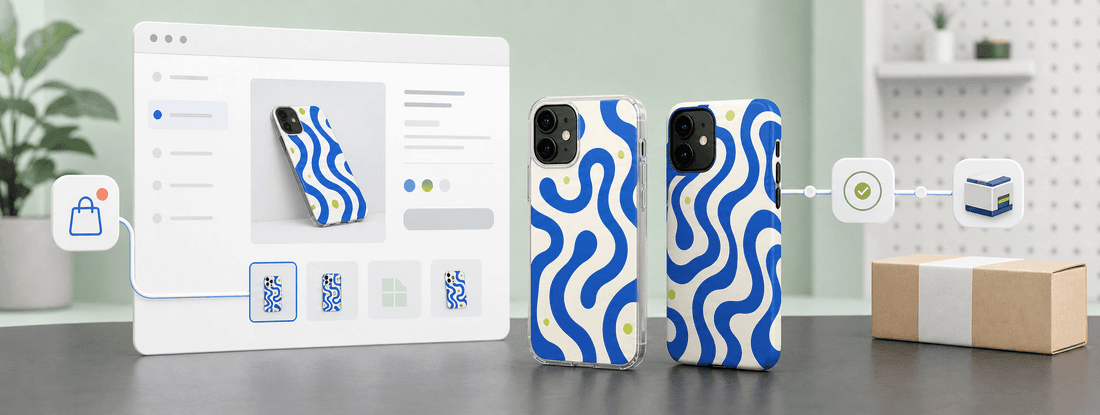
Direct Answer
The short version
To sell print-on-demand phone cases on Shopify, choose eligible case products, prepare model-specific artwork, connect or route orders to a fulfillment workflow, publish clear product pages, and set pricing that covers production, shipping, platform fees, and support. Shopify gives you the storefront; your fulfillment setup determines how each case is produced, inspected, packed, and shipped after a customer buys. If PODJST is used for fulfillment, confirm the supported connection method, eligible phone case products, available production routes, and delivery estimates before making public claims.Start With A Focused Phone Case Offer
Shopify makes it easy to add products, but that does not mean you should launch every case model on day one. Start with a focused collection that matches one audience.
For example:
- A creator collection for fans
- A design collection for artists
- A brand collection for customers
- A niche collection around pets, gaming, travel, or fitness
Keep the first offer small enough to review. A focused launch is easier to price, photograph, describe, and promote.
Confirm Product Eligibility Before Publishing
Phone cases depend on device model, case style, material, color, and printing method. Before publishing products on Shopify, confirm which products are eligible and which routes are supported.
This matters because customers see the Shopify page as a promise. If a case model is not available, or if a route is unsupported, the store can create avoidable support issues.
Create an internal checklist:
- Eligible phone models
- Case types and finishes
- Artwork requirements
- Production method
- Inspection step
- Packing method
- Shipping destinations
- Delivery estimate language
Use that checklist before products go live.
Prepare Artwork For Each Case Model
Phone case artwork should be prepared for the exact case template. Camera cutouts, buttons, curved edges, and safe zones can affect the final result.
If UV printing is used, review artwork at production size. Small text, fine lines, low contrast, and edge-heavy designs can look different on a physical case than they do on a screen.
A good Shopify product page should not only show a mockup. It should set a realistic expectation for the physical item. When available, add sample photos or production images to support the listing.
Build Product Pages That Answer Buyer Questions
A Shopify product page for a phone case should be simple but complete. Buyers want to know whether the case fits their device, what it looks like, when it ships, and what happens after purchase.
Include:
- Compatible models
- Case material or style
- Print placement
- Care notes, if relevant
- Production and delivery expectations
- Return or issue handling policy
- Clear product images
Avoid vague claims like "best quality" or "fastest delivery." Use specific, supportable language instead.
Connect Shopify To Fulfillment Carefully
If PODJST supports the Shopify connection method you plan to use, confirm the setup before launch. If the connection is manual or handled through another order workflow, explain that internally and do not describe it as a native integration unless that is confirmed.
The fulfillment flow should answer:
- How does the order reach production?
- How is artwork attached or checked?
- How are product variants mapped?
- When does production start?
- How is tracking handled, where available?
- What happens when a variant is unavailable?
This is the operational layer behind the store. It is less exciting than a product mockup, but it is what keeps orders from becoming messy.
Set Pricing With Shopify Costs Included
Shopify sellers need to price phone cases with more than product cost in mind. Include production, shipping, platform fees, payment fees, discounts, apps, customer support, and returns.
Do not assume a fixed profit margin. Costs can change by product, route, destination, order volume, and promotion strategy.
A safer pricing method:
- Start with product and production cost.
- Add shipping or delivery cost assumptions.
- Include Shopify and payment fees.
- Leave room for discounts or creator codes.
- Review competitor pricing without copying blindly.
- Test before scaling paid traffic.
Set Delivery Expectations Clearly
Print-on-demand phone cases are produced after an order is placed. For eligible products and supported routes, PODJST can support production through its USA, Canada, Germany, Spain, or China network where available. Estimates depend on artwork readiness, product availability, order volume, carrier capacity, and destination.
That language is not just legal caution. It helps customers understand the real process and reduces unrealistic expectations.
Next Step
Choose a small phone case collection, confirm eligible products and fulfillment routes, then build Shopify pages that explain the product clearly. Once the workflow is tested, expand the catalog based on real clicks, orders, and support feedback.
FAQ
Common questions
Can I sell print-on-demand phone cases on Shopify without inventory?
Yes. With a POD fulfillment model, phone cases are produced after customers order. You still need to prepare artwork, publish accurate product pages, manage pricing, and confirm product and route eligibility.
Does PODJST have a Shopify integration?
Confirm the current supported connection method before publishing integration claims. If a native or supported Shopify workflow is available, describe it accurately. If not, write about the order workflow without calling it a native integration.
What phone case models should I start with?
Start with the models your audience is most likely to use and the products your fulfillment partner can reliably support. Avoid launching too many variants before you have product and order data.
What should my Shopify phone case page include?
Include compatible models, case style, print details, clear images, delivery expectations, and support policies. The page should answer practical buyer questions before checkout.