Product options
Product Catalog
Browse products by category, check the starting unit cost, and estimate which POD items are worth sampling for your store.
Fulfillment workflow
Choose a product, then move it into real production.
Step 01
Choose a product and artwork
Start with a catalog product or a custom product idea, then prepare the artwork you want to test.
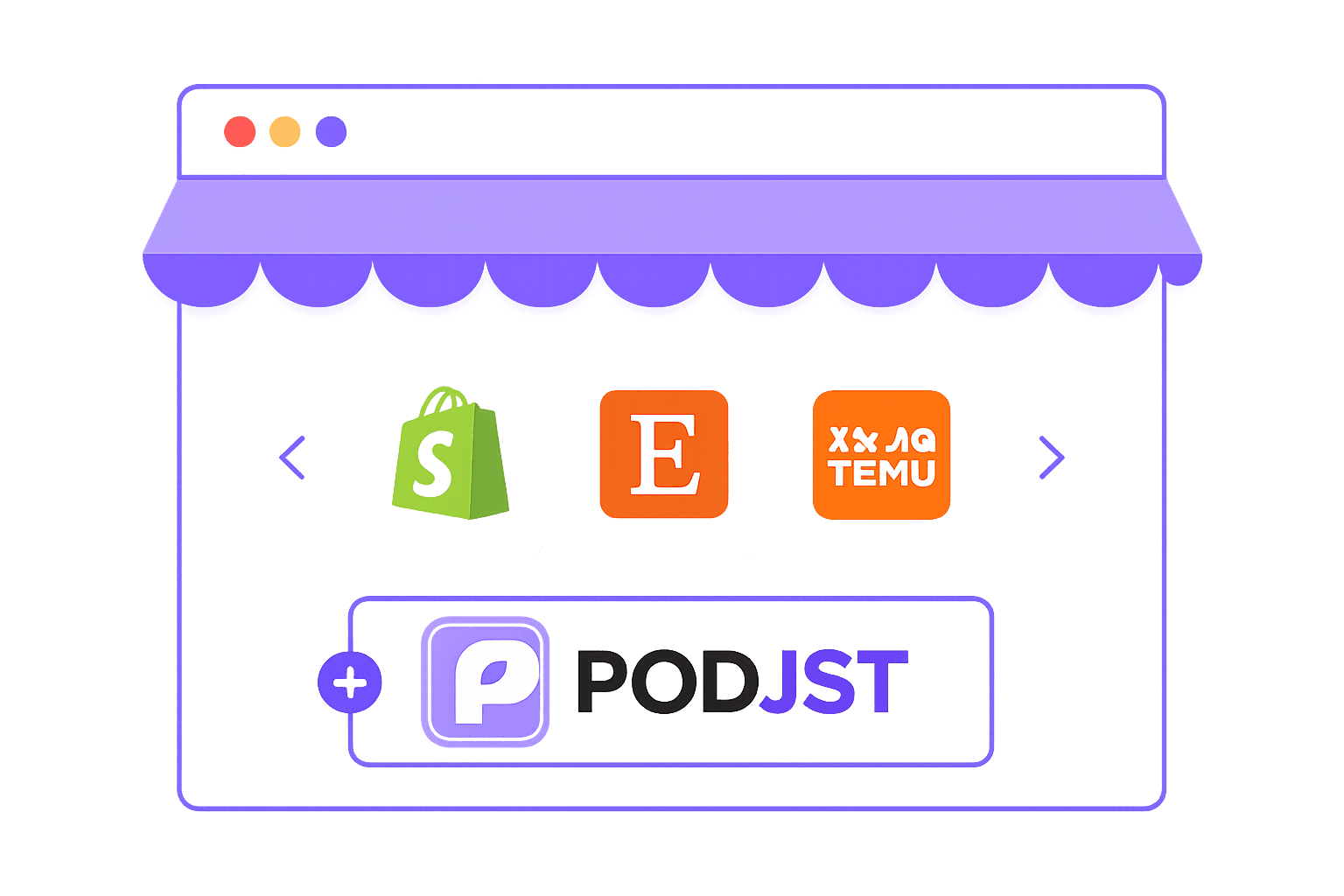
Step 02
Set up your selling workflow
Use supported store workflows, CSV files, or manual order details once you are ready to sell.
Step 03
List your product and take orders
Add your product details and publish it through the sales workflow you use.
Step 04
Review cost, then fulfill
Confirm the order details, product cost, and fulfillment route before production and shipping begin.
Sell anywhere
Send product orders from the channels you already use.
Shopify, Etsy, WooCommerce, TikTok Shop, marketplace workflows, CSV, and manual orders can all move into one production and fulfillment process.
View Channels


Why PODJST
Compare PODJST with a basic POD app.
OutcomePODJSTBasic POD app
Product choiceCatalog products plus custom China sourcingUsually limited to app-listed SKUs
Cost visibilityUnit cost, packing, QC, and shipping can be quoted togetherOften shown as print price only
BrandingInserts, stickers, labels, and selected custom packagingLimited or no packaging support
Quality controlSample review and production checks before shippingMostly app-level support tickets
FulfillmentSourcing, printing, packing, shipping, and tracking supportPrint routing with fewer operations
Product catalog questions, answered.
Answers for choosing products, checking costs, ordering samples, setting up orders, and managing quality details before you scale.
Yes. Product cards are built to display direct product images. New images can be added to the public product catalog folder and connected to the matching product record.