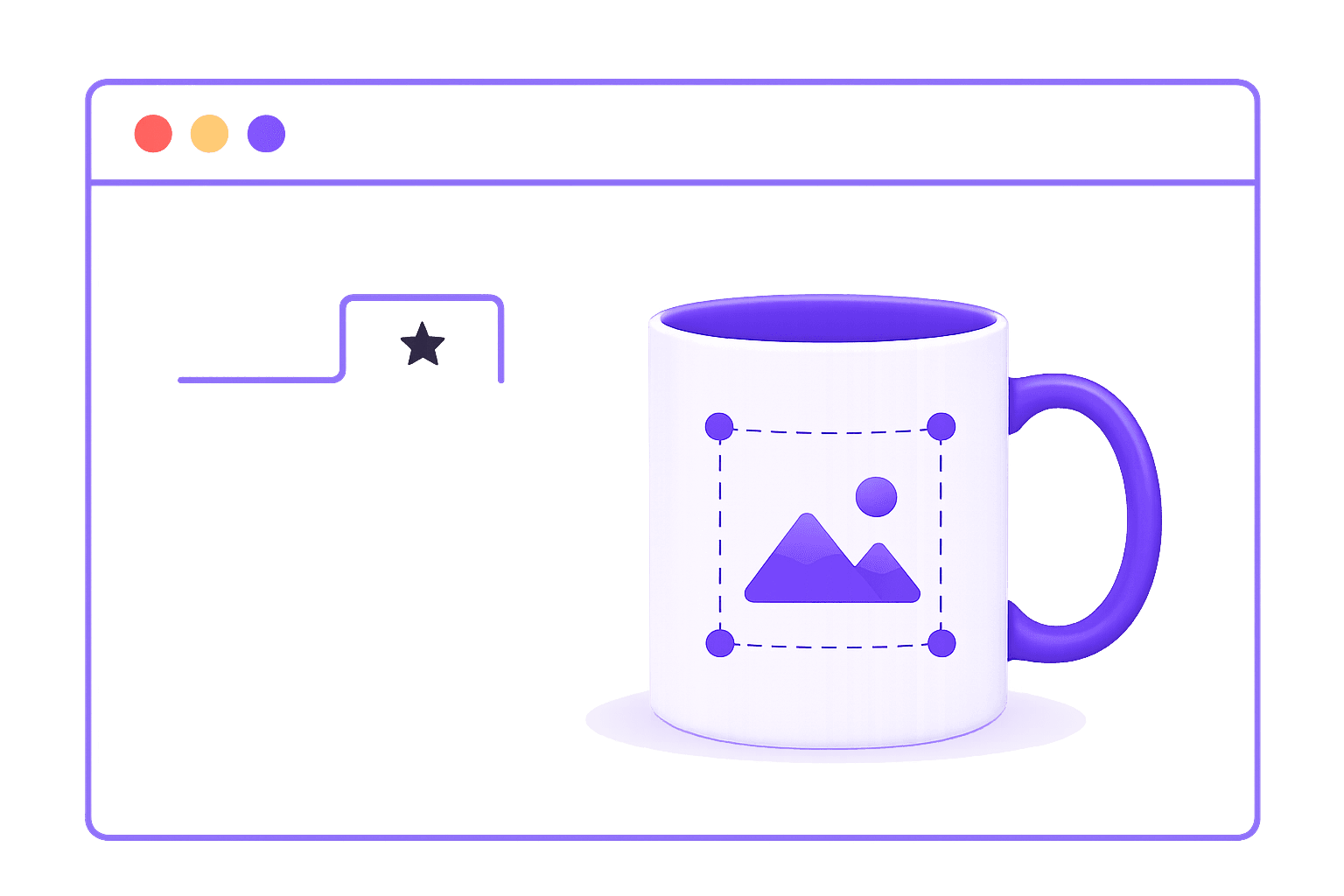
Step 01
Choose a product and artwork
Start with a catalog product or a custom product idea, then prepare the artwork you want to test.
Product options
Browse products by category, check the starting unit cost, and estimate which POD items are worth sampling for your store.
Try another product type, delivery country, cost range, or search term.
View all productsFulfillment workflow
Step 01
Start with a catalog product or a custom product idea, then prepare the artwork you want to test.
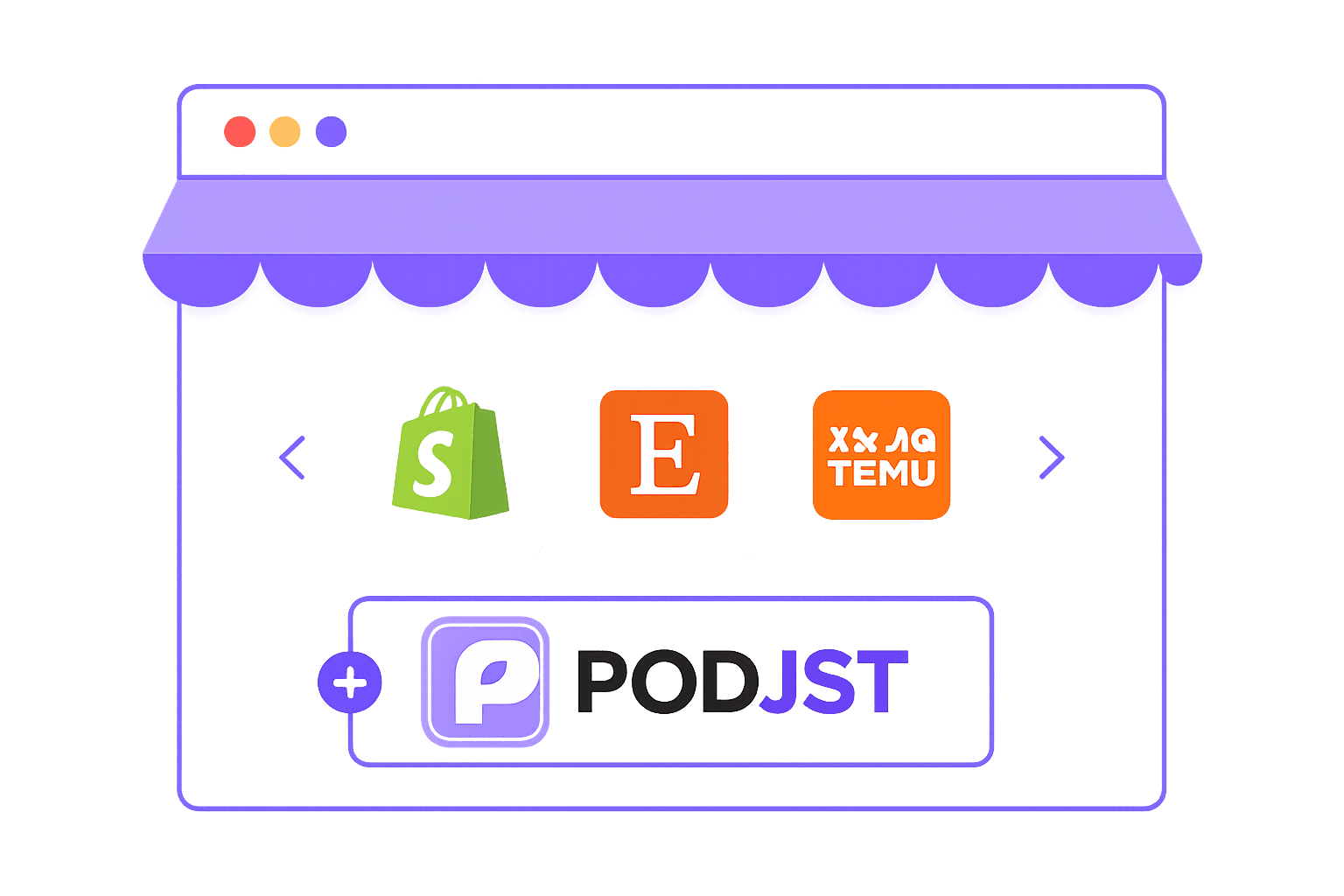
Step 02
Use supported store workflows, CSV files, or manual order details once you are ready to sell.
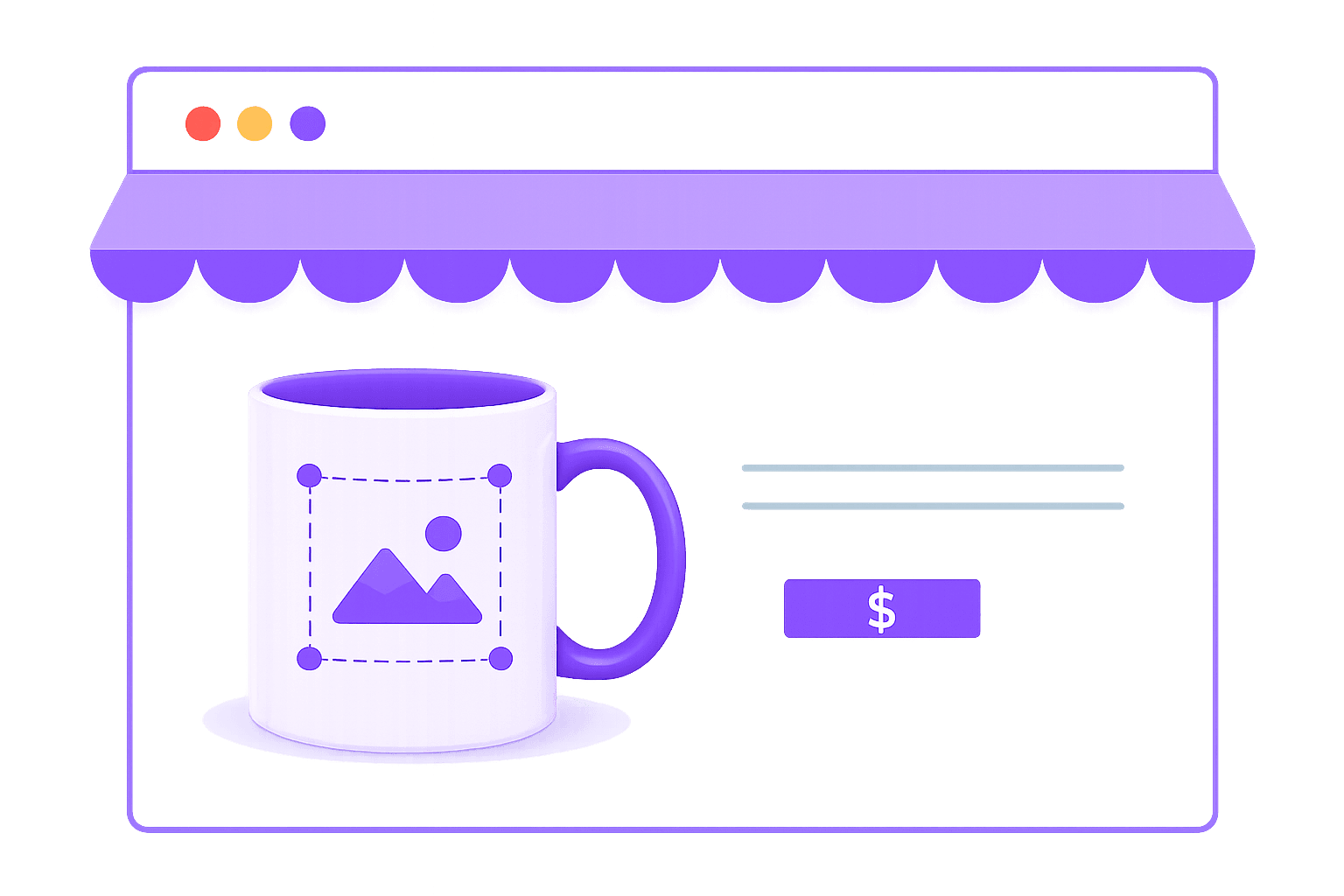
Step 03
Add your product details and publish it through the sales workflow you use.
Step 04
Confirm the order details, product cost, and fulfillment route before production and shipping begin.
Sell anywhere
Shopify, Etsy, WooCommerce, TikTok Shop, marketplace workflows, CSV, and manual orders can all move into one production and fulfillment process.
View ChannelsWhy PODJST
Answers for choosing products, checking costs, ordering samples, setting up orders, and managing quality details before you scale.
Yes. Product cards are built to display direct product images. New images can be added to the public product catalog folder and connected to the matching product record.